TKN Guide
How to Mint ERC-20 Tokens on World Chain Using TKN
Mint an ERC-20 from World App, choose a launch path, and understand what happens on-chain.
By Wong Kim Ark
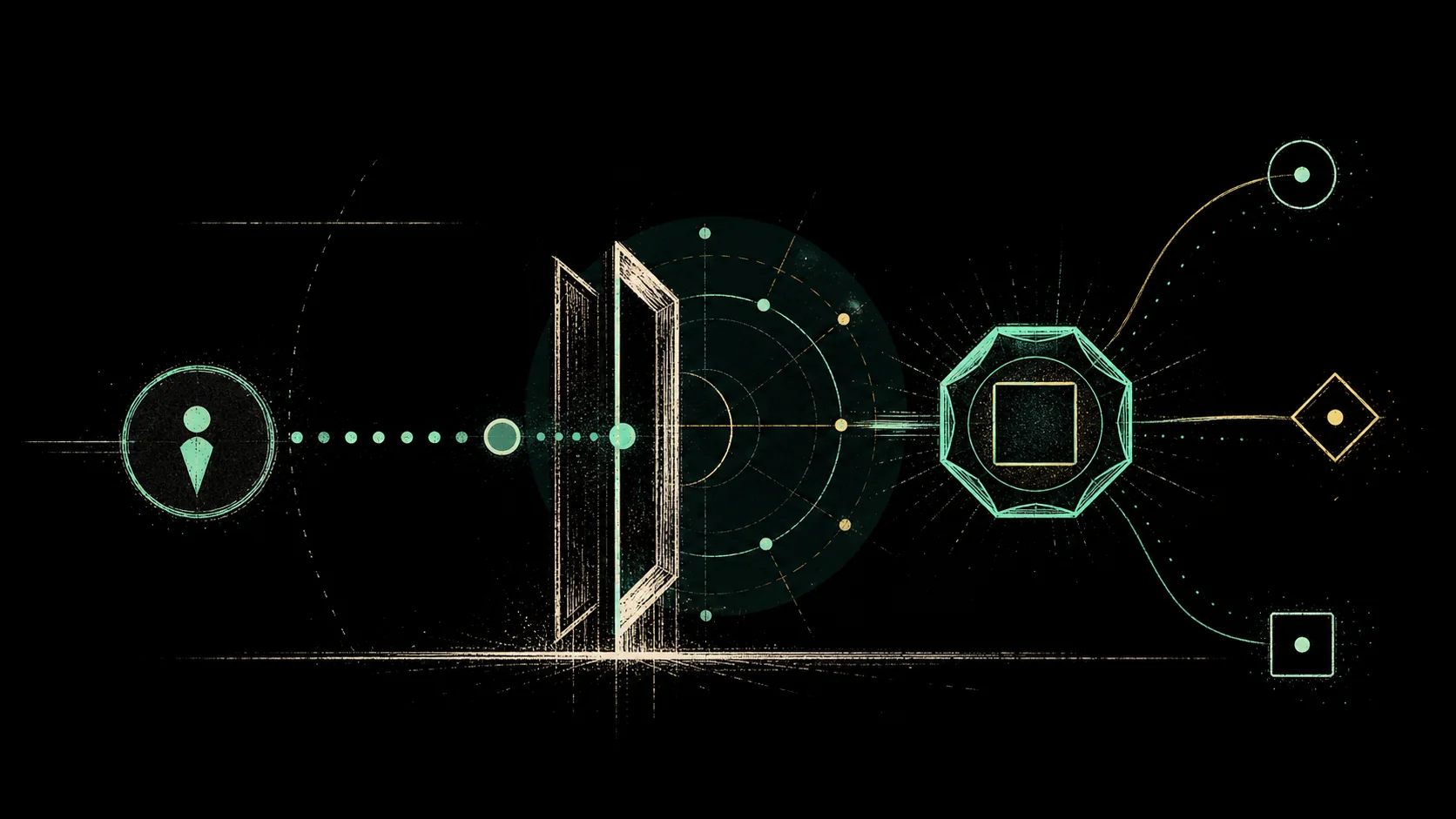
A token is a little rule system. It says how many units exist, who owns them, and how they can move. TKN gives that power to normal World App users on World Chain. Connect your wallet, prove you are a human through World ID, name the token, choose a symbol, and mint. The result is an ERC-20 with fixed supply, no owner controls, and two possible beginnings. Immediate market liquidity through Mint2Pool, or full creator ownership through Mint2Me.
TKN is a World Mini App for creating and using tokens on World Chain. You do not need to write a smart contract, deploy code, manage decimals, or understand Uniswap before you begin. The app turns the minting process into a few choices. Your token's name, its symbol, an optional description, an optional logo, and how you want the token to launch.
Each TKN mint starts from fixed rules. The supply is 10 billion units, the decimals are 18, and the contract is not built around a hidden owner who can quietly rewrite the terms later.
Before minting, open TKN inside World App, connect your World Chain wallet, and complete the TKN profile flow. This includes World ID verification, because TKN is built around the idea that tokens should be easy for real people to create, not just developers or bots. Once your profile is ready, go to the Mint panel.
The first choice is launch mode.
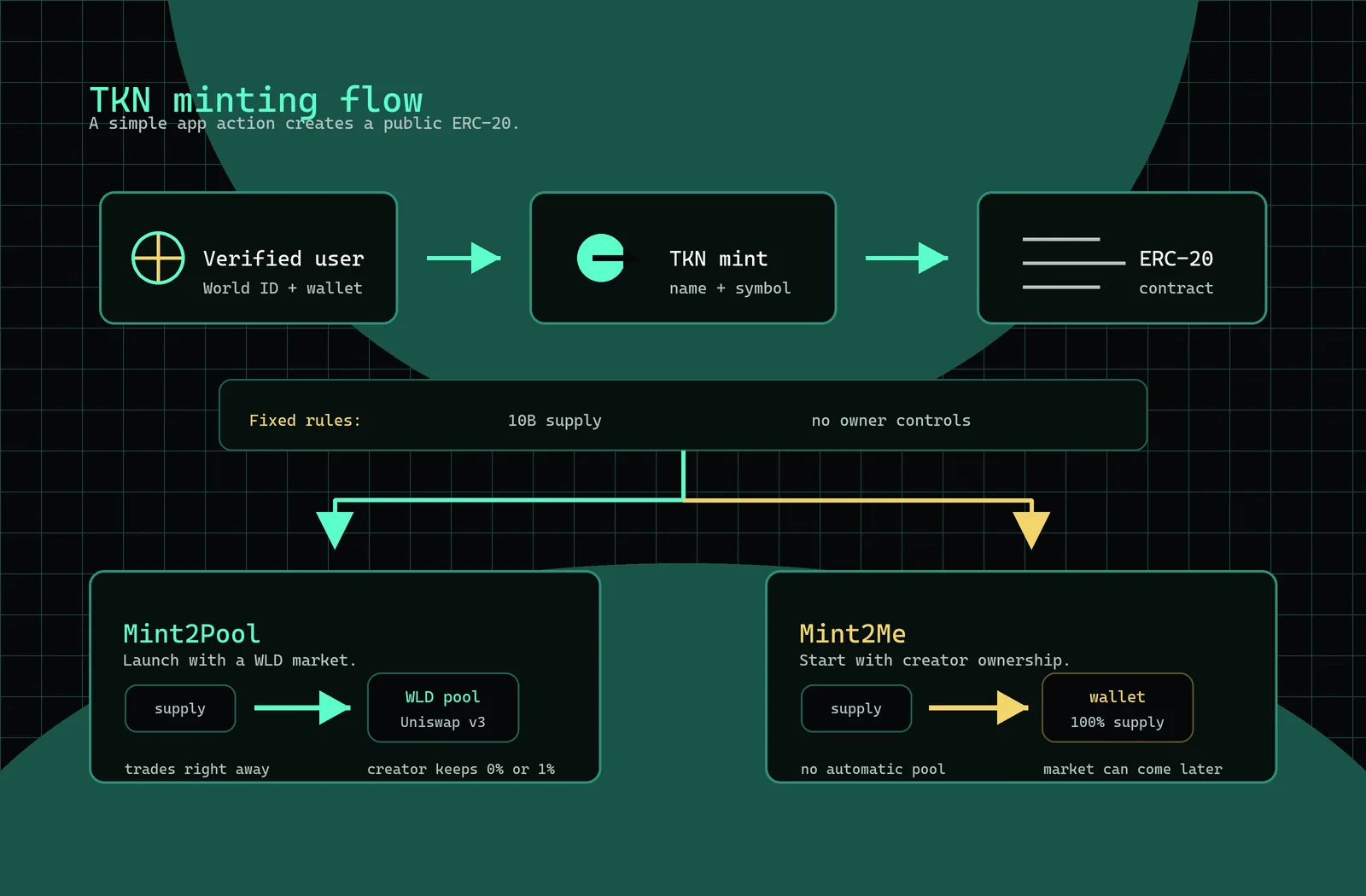
Mint2Pool creates your token and launches it into a Uniswap v3 pool against WLD. This means the token can trade right away. Most or all of the supply goes into the pool depending on the option you choose. If you keep 0%, there is no creator allocation and no TKN UI fee. If you keep 1%, then 1% of supply goes to you, 0.1% goes to the TKN fee address, and the rest goes into the liquidity flow. This is the more public version of a launch. The token begins as something the market can immediately touch.
Mint2Me creates the token and sends 100% of the supply to your wallet. This is simpler if you want to hold the supply first, distribute it yourself, or think through the market later. It does not automatically create the WLD trading pool. It gives you the token before it gives the token a market.
After choosing the launch mode, enter the token name and symbol. The name can be longer and more human. The symbol is short, like TKN, WLD, or ETH. TKN checks symbols so duplicates and misleading names are blocked. You can also add a short description and upload a PNG or JPEG logo. The logo is optional, but it helps people recognize the token later in My Tokens, Top Tokens, and swap surfaces.
When everything looks right, press Mint and approve the transaction in World App. TKN sends the contract call to World Chain. The app will show the progress as the transaction moves from wallet confirmation to on-chain finalization and then into your TKN account history. Do not close World App while this is happening.
When the mint finishes, your token appears in My Tokens. From there you can view the token address, transaction hash, pool address if it was a Mint2Pool launch, logo, description, and market information when available. If the token is supported for sending or swapping inside TKN, those actions appear in the app. If not, the token still exists on World Chain. The app may simply need additional support before every action is available through the TKN interface.
The important thing to understand is that TKN is not just making a picture of a token inside an app. It is creating an ERC-20 on World Chain. The token has an address. The transaction is recorded on-chain. The supply rules are part of the contract. Other apps can read it because it lives in the same public environment as the rest of World Chain.
When you mint, you are just pressing a button in a small app, but the button creates a public object. A token is a promise written into software. This many units exist, under these rules, at this address. TKN makes that promise easy to create. The hard part is deciding what the promise is for.